

get_freer_gpu#
- deepinv.utils.get_freer_gpu(verbose=True, use_torch_api=True, hide_warnings=False)[source]#
Returns the GPU device with the most free memory.
Use in conjunction with
torch.cuda.is_available().If
use_torch_api=Truethen attempts to select GPU using only torch commands, otherwise uses system driver to detect GPUs (vianvidia-smicommand). The first method may be slower but is more reliable as the former depends on environment settings. If system method is chosen and fails, the call falls back to using torch commands and a warning is printed. If no CUDA devices are detected, thenNoneis returned.- Parameters:
- Return torch.device device:
selected cuda device
Warning
GPU indices in
nvidia-smimay not match those in PyTorch if in your environmentCUDA_DEVICE_ORDERis not set toPCI_BUS_ID: https://discuss.pytorch.org/t/gpu-devices-nvidia-smi-and-cuda-get-device-name-output-appear-inconsistent/13150 If the variable is not set or has different value, the call to will print a warning (if not supressed withhide_warnings=True) but will not change the device.
Examples using get_freer_gpu:#


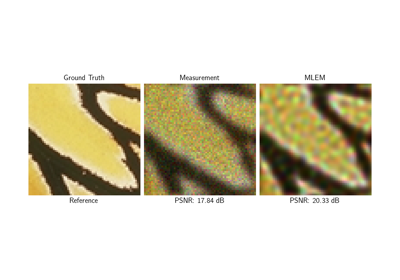
Poisson Inverse Problems with Maximum-Likelihood Expectation-Maximization (MLEM)
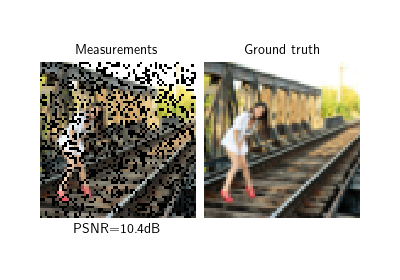
Self-supervised learning with Equivariant Splitting
Reducing the memory and computational complexity of unfolded network training